Media, jukebox & karaoke
Play compatible music and video, enjoy the jukebox skins, and open karaoke videos or paired MP3/CDG files from a supported network folder. Remote-friendly playback includes fullscreen controls.
JUKESTAGE FOR AMAZON VEGA
A remote-friendly media centre for compatible Vega devices. Music, jukebox, karaoke, StreamStage, radio and podcasts from your sofa.
Available on the Amazon Appstore for compatible Vega devices.
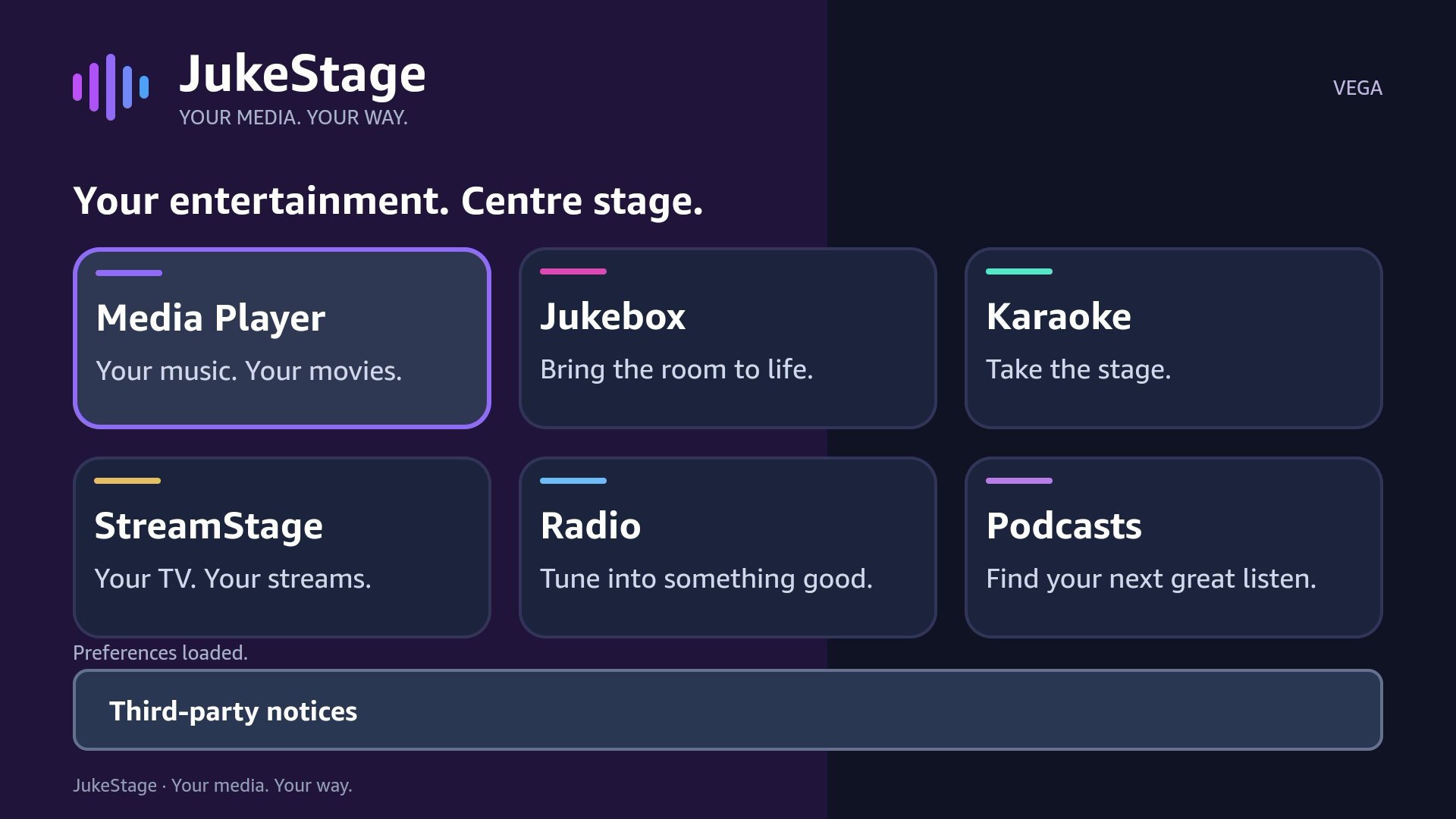
This is the released Vega application, not an Android APK for conventional Fire OS. Check your device software and the Amazon Appstore compatibility result before choosing it.
IPTV PLAYER FOR AMAZON VEGA
StreamStage brings your compatible IPTV service into the Vega TV experience—with separate Live TV, Movies and Series browsing.
Open StreamStage, then Provider TV. Enter your provider’s HTTPS server address, username and password. Use the server details supplied by your authorised service.
Browse the categories and titles your service returns, then select a channel, movie or episode. Catalogue availability and your subscription are controlled by your provider, not JukeStage.
My Streams accepts named HTTPS sources: HLS (.m3u8), direct video or direct audio. Select the appropriate format and live or on-demand setting. A general website page is not a playable stream.
Provider TV connects to compatible Xtream-style player_api.php services over HTTPS. Enter the provider’s server address, not its general website homepage or a playlist URL.
My Streams supports direct HTTPS HLS (.m3u8), video and audio sources, not general M3U playlist-file import. Plain HTTP provider addresses and RTSP camera URLs are not supported. JukeStage does not bypass DRM or service access restrictions.
JukeStage supplies the player—not channels, films or subscriptions. Only add content you have permission to access. Never send provider passwords to support.
Play compatible music and video, enjoy the jukebox skins, and open karaoke videos or paired MP3/CDG files from a supported network folder. Remote-friendly playback includes fullscreen controls.
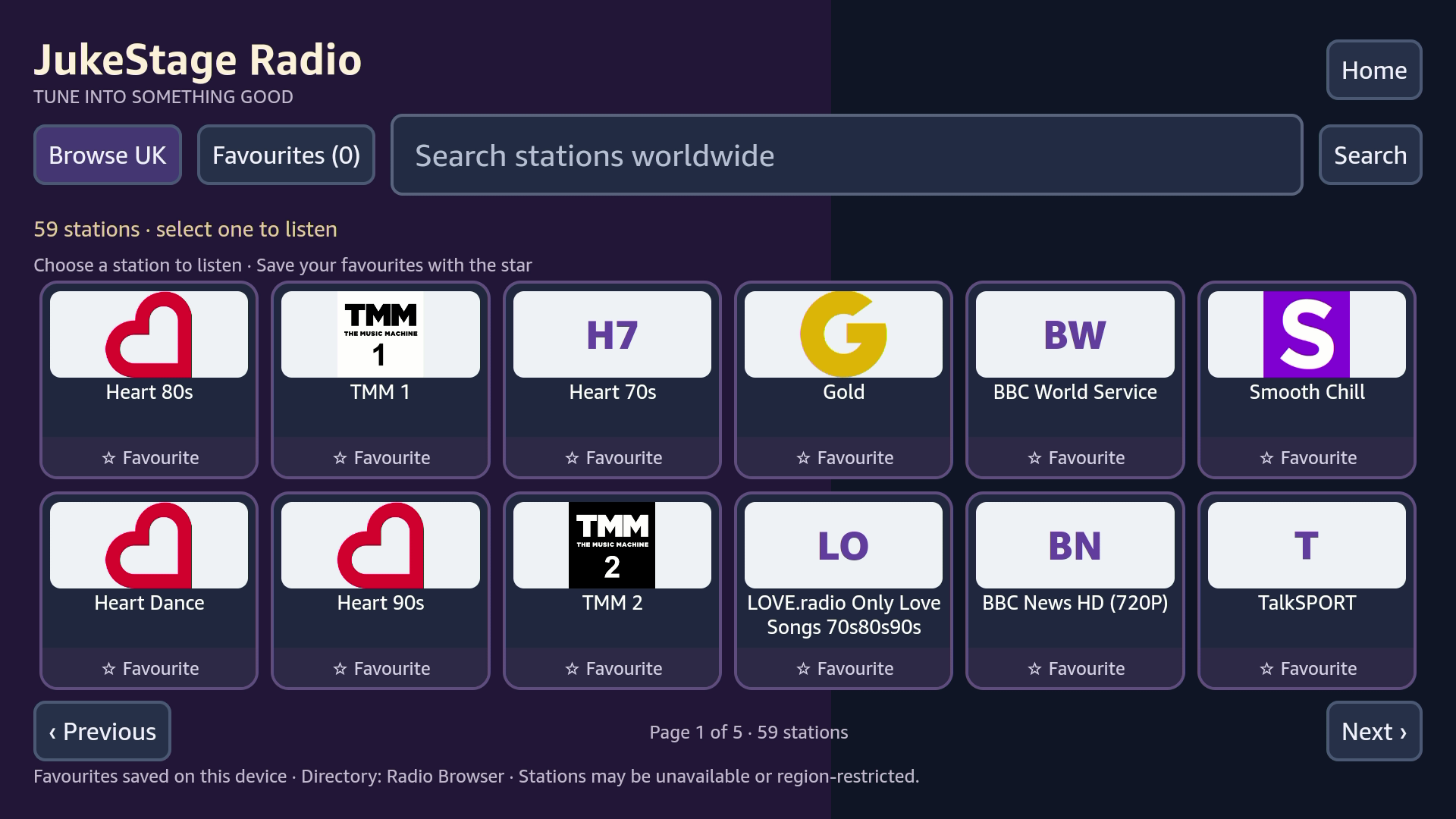
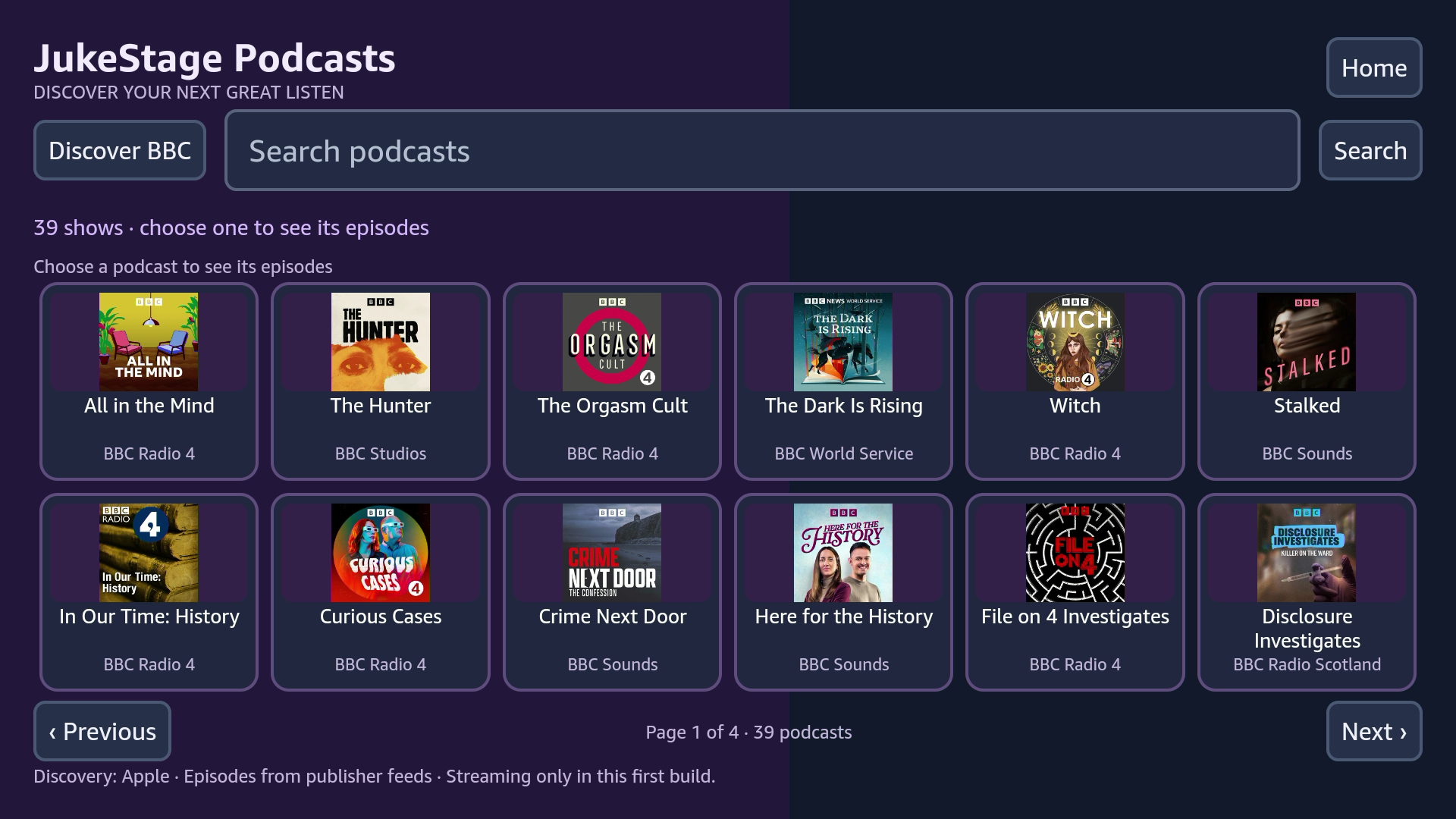
Browse station logos and podcast cards, search and save favourites. Content comes from independent publishers and can change.
Open website shortcuts within StreamStage, with pointer and scrolling controls. Third-party sites decide whether their pages, sign-in and video work in the embedded browser.
There is no automatic charge at trial expiry. Restore a previous Amazon purchase using the same Amazon account and the app’s Restore option. Internet access is needed to confirm access. Website codes and Google Play purchases do not unlock this edition.